

The ADHD todo app for Mac and web. Chrome extension optional.
Focuh is a focus timer and task planner. The Mac app blocks sites and apps system-wide during a focus session; the web app runs the same planning views anywhere. The Chrome extension adds an optional, Chrome-only blocker. Free. Early beta. No subscription.
- Live on the Chrome Web Store
- Unlimited blocked domains
- 100% local Chrome storage
01
Free. Early beta. No subscription.
No 3-site limit. No paid tier. Block as many sites as you want, for as long as you want.
02
No account. No tracking.
No email, no signup, no analytics. Your blocklist stays in Chrome storage on your device.
03
Installs in 10 seconds.
No setup wizard. Add a domain, set a duration, start the challenge.
How it compares.
Focuh is the only free Chrome website blocker with no site cap, no account, and no tracking. BlockSite caps free users at 3 sites, StayFocusd is owned by ad-intelligence firm Sensor Tower, and Cold Turkey and Freedom are paid. Here's how the top blockers compare.
| Extension | Price | Free tier | Account | Data |
|---|---|---|---|---|
| FocuhRecommended | Free | Unlimited | No account | No tracking |
| BlockSite | $7+/mo | 3 sites | Account required | Ads & analytics |
| StayFocusd | Free | Unlimited | No account | Owned by Sensor Tower |
| LeechBlock NG | Free | 30 blocksets | No account | No tracking |
| Cold Turkey | $39 desktop | Bridge only | No account | No tracking |
| Freedom | $40/yr | 7 sessions | Account required | Account required |
Compared June 2026 · prices and free-tier limits change.
How it works.
01
Install
Install Focuh from the Chrome Web Store. No account, no sign-up, no email.
02
Add the loop
Drop in the domains that keep stealing your attention. YouTube, Reddit, X — whatever yours is.
03
Run the challenge
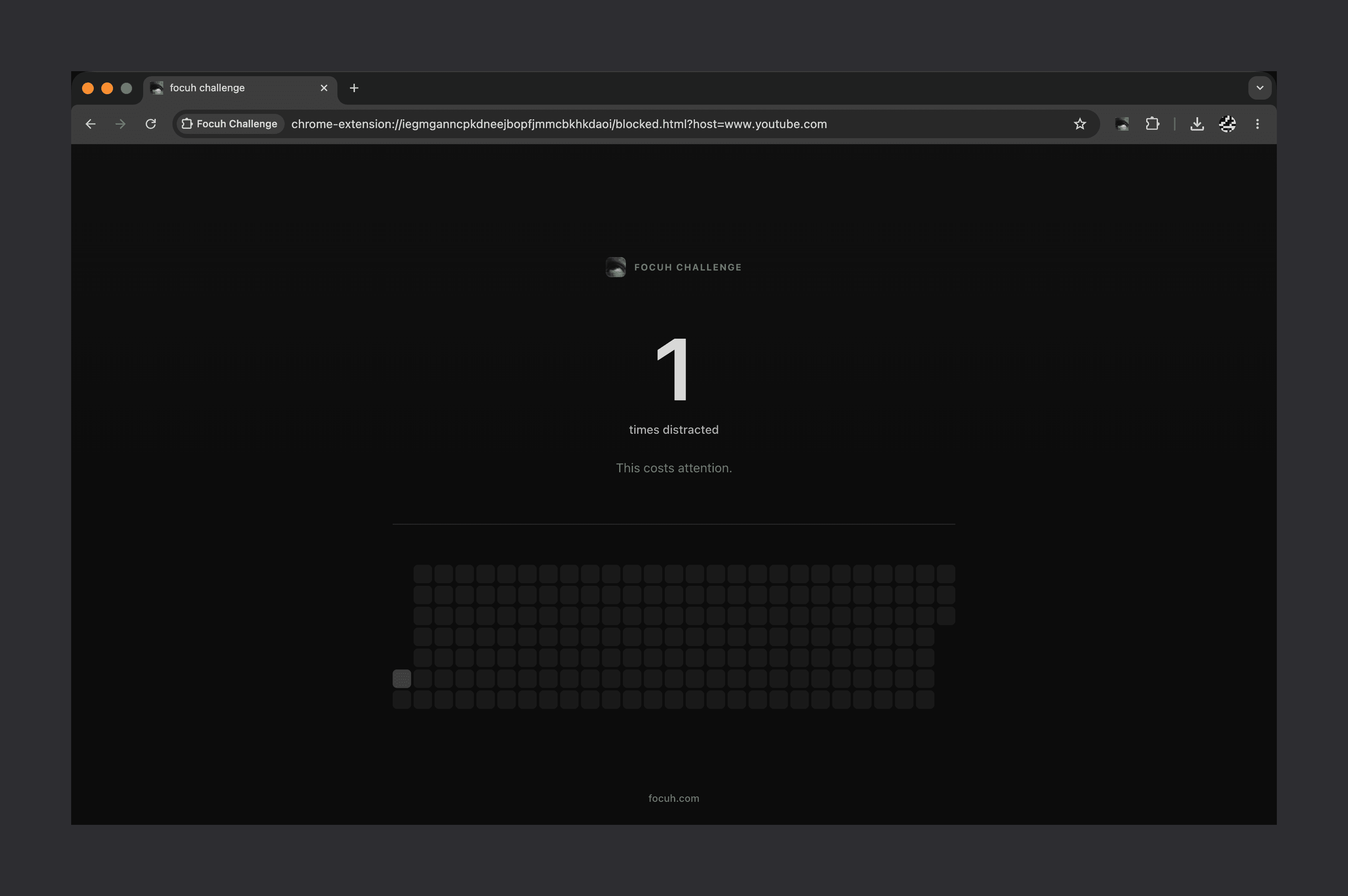
Pick 30, 91, 180 days, or set your own. Chrome interrupts the reflex until the timer ends.
Questions.
Yes. Free. Early beta. No subscription. No trial limit, no upsells inside the extension. Block as many domains as you want, for as long as you want. The Focuh desktop app for macOS is also free.